Stop Auditing Dependencies. Start Containing Them.
Reading every package is a losing game. The teams that survive supply chain attacks treat install-time as a privilege boundary and score every control by blast radius, not by how thorough it feels.
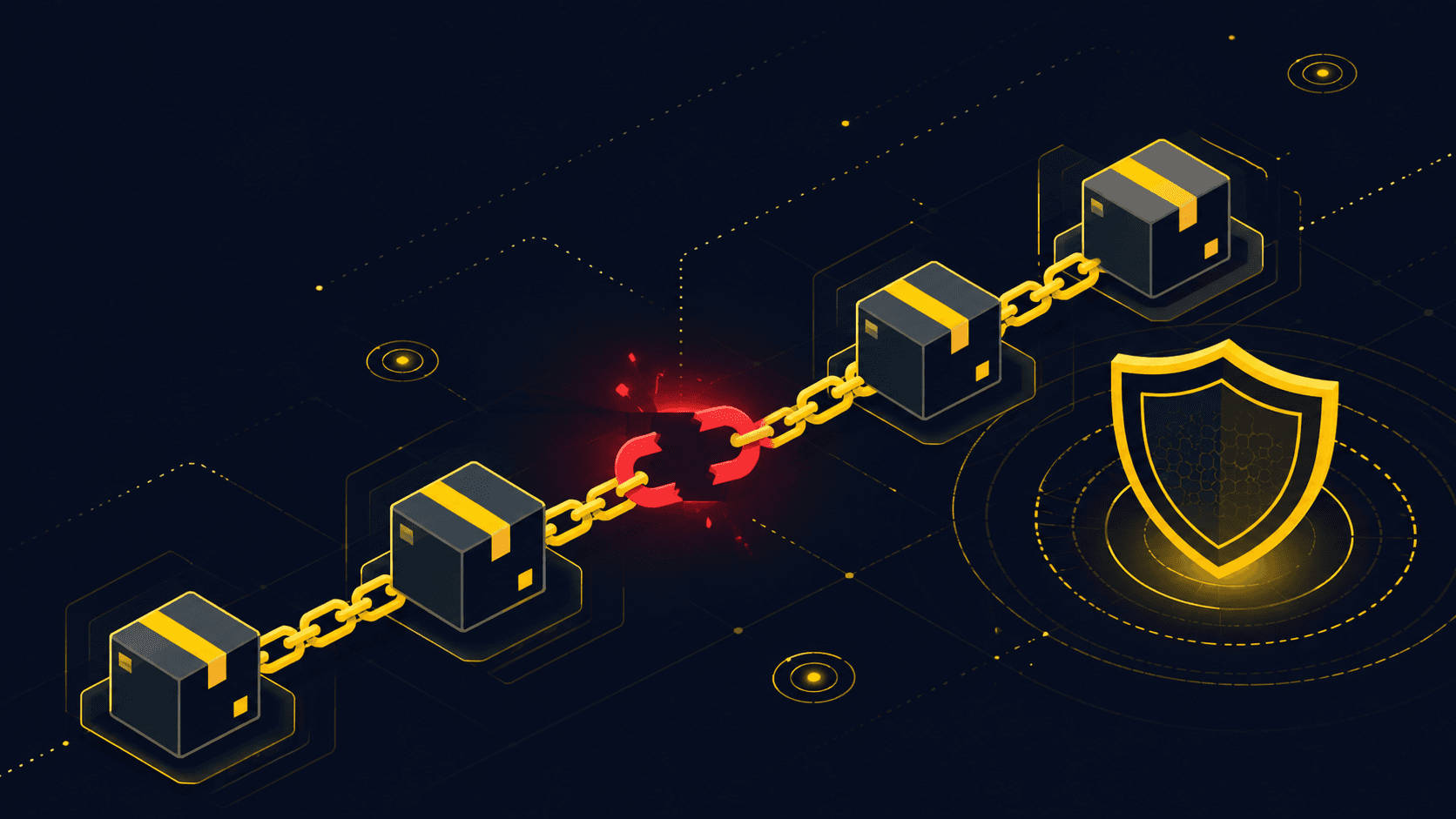
Most supply chain advice starts from a fantasy: that if you were just diligent enough, you could read the code you depend on. You can't, I can't, and the person who wrote the article telling you to can't either. A mid-size Node service routinely resolves well over a thousand packages once you follow the tree down. Deciding to 'audit your dependencies' is deciding to lose slowly.
So let's throw that framing out. The useful question is not 'is this package trustworthy? ' It's 'what can this package reach if it turns out to be lying? ' Once you ask it that way, defense stops being a reading problem and becomes a containment problem — and containment is something engineering teams are actually good at.
The mental model: a dependency is a privilege grant
Here is the reframe that changes what you build. When you add a package, you are not importing a function. You are handing a stranger a set of permissions, and the default permission set is enormous: run arbitrary code the moment it installs, read every environment variable in the process, phone home over the network, and inherit whatever your CI token can do. You'd never grant a new hire that on day one. Your package manager grants it to a transitive dependency of a dependency by default.
That single shift — package equals privilege grant — reorders your whole to-do list. Every control is now judged by one metric: how much does it shrink what a malicious package can reach? Controls that shrink the blast radius win. Controls that merely make you feel diligent lose, no matter how much ceremony they involve.
You do not install a package. You grant it, and everything it trusts, the same reach into your build and your users that you granted yourself.
The attack playbooks people worry about — typosquatting, dependency confusion, a phished maintainer shipping a poisoned update, the multi-year xz-style long con — are all just different ways of getting into that privilege set. They differ in how the bad code arrives. They are identical in what they get once it does. If you shrink what any package can reach, you have defended against all of them at once, without having to predict which one hits you.
A worked example: the internal package that wasn't
Say your team maintains a private package named acme-auth on your internal registry. It handles token signing. One morning CI starts failing on a fresh install, and the logs show it pulled acme-auth version 9.9.9 from the public npm registry — a version nobody on your team published. This is dependency confusion in the wild, and how you reason about it in the next ten minutes matters more than any scanner.
The instinct is to ask 'is 9.9.9 malicious? ' Wrong question — you'll waste an hour reading minified code. The blast-radius question is faster and scarier: this package signs tokens, so it runs inside a job that can see your signing key. Assume it is malicious and ask what it already reached. That reframes the incident from 'inspect the package' to 'rotate the key, check egress logs, and figure out why the public registry was ever consulted for an internal name. '
The fix is boring and structural, which is the point. Scope the internal namespace so the public registry is never consulted for it, and the whole class of attack disappears — not just version 9.9.9.
# .npmrc — force the @acme scope to resolve only from the internal registry.
# A public package published under @acme can no longer shadow yours,
# because npm never asks the public registry for this scope at all.
@acme:registry=https://registry.internal.acme.example
//registry.internal.acme.example/:_authToken=CI_INTERNAL_TOKEN

# Everything else still resolves from the public default.
registry=https://registry.npmjs.org
Notice what this control does and does not do. It does not tell you whether any package is trustworthy. It removes the ambiguity about where a name resolves from, which is the exact seam the attacker was climbing through. That is containment thinking: you didn't get better at judging strangers, you took away the door.
Rank controls by blast radius, not by effort
Not all hardening pays off equally, and most teams spend their energy in the wrong place because they rank controls by how rigorous they feel rather than how much reach they remove. Here is a rough ranking by return on effort. Treat the effort and payoff columns as directional judgment, not measurements.
- Disable install scripts by default, allow-list the handful that truly need them — HUGE payoff, low effort. This closes the single most common path from 'I installed it' to 'it ran code. ' Do this first.
- Scope internal namespaces to your private registry — huge payoff, low effort, and it kills dependency confusion outright rather than detecting it.
- Least-privilege CI: split the build job from the publish job, no long-lived secrets, tokens scoped per job — huge payoff, medium effort. This is what shrinks the blast radius when something does slip through.
- Commit the lockfile and install with npm ci (not npm install) in CI — high payoff, low effort. Kills silent substitution, but read the gotcha below before you call it done.
- Pin and review updates with Renovate or Dependabot — medium payoff, low effort. Automation surfaces changes; humans approve the ones that matter.
- Generate an SBOM — medium payoff when the next CVE lands, near-zero if it just sits in a bucket. Value comes from querying it, not producing it.
- Vendor or mirror your most critical dependencies — situational payoff, higher effort. Worth it for the few packages whose disappearance would page you at 3am.
The top two lines carry most of the weight for most teams, and both are configuration changes you can land this week. If you only ever do two things, turn off arbitrary install scripts and scope your internal names. Everything below that is refinement.
What the docs don't tell you
A committed lockfile is not integrity. It is a record of what you resolved last time, and it is only trustworthy if something actually verifies it. npm ci checks the tree against the lockfile, but a lockfile you regenerated in a branch — because a Renovate PR updated it — is only as good as your review of that diff. Lockfile churn is where poisoned versions ride in wearing a green check. The failure mode is a 400-line lockfile diff that nobody reads because 'the bot did it. ' Review lockfile changes like code, or accept that your lockfile is theater.
npm ci gives false comfort about install scripts. It verifies hashes; it does not stop a postinstall hook from running. A package can match its lockfile hash perfectly and still execute a malicious install script — because the malicious script is part of the package the hash covers. Integrity checking and script disabling are orthogonal controls. Doing the first does not buy you the second, and plenty of teams believe it does.
An SBOM you never query is a compliance artifact, not a security control. The value shows up on the morning a CVE drops and you need to answer 'are we exposed? ' before the attackers finish scanning. If nobody has ever run that query against your SBOM, you don't know that it would return the right answer, and you'll find out under pressure. Practice the query before you need it.
Finally, the security process itself is an attack surface. A review process so heavy that updates pile up for months means you are running known-bad versions on purpose, because patching became painful. That is a self-inflicted vulnerability dressed as diligence. The teams that hold up over time make the safe path the easy path: safe defaults in CI, automation for the routine, and human attention spent only where blast radius is real.
You will never read every package, and you should stop pretending it's the goal. Treat your dependency graph like production infrastructure, because that is exactly what it is: know what you depend on, control what runs at install time, shrink what any single package can reach, and be able to answer 'are we exposed? ' before the people attacking you can.
Enjoyed this?
Get the next deep dive in your inbox. No spam — just the stories worth reading.
Subscribe to the newsletter